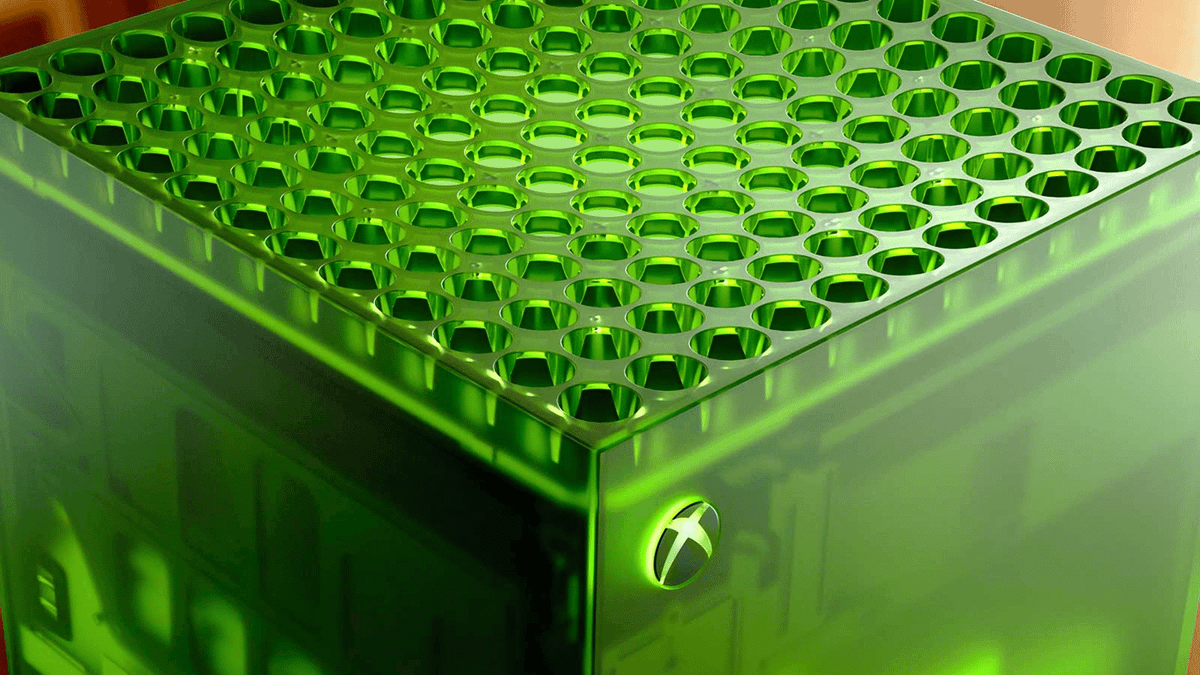
Image source: Competitor Portal / Google News (Used for representation purposes only)
Xbox Hardware Update Finally Fixes Broken Feature
Xbox has rolled out a fresh system patch
that finally resolves a long-standing firmware glitch affecting background downloads and console system power states across Xbox Series X and Series S hardware.
If you split your gaming time between a desktop PC, a handheld, and an Xbox Series X in the living room, you already know the pain of console firmware quirks. For months, players dealing with background installs noticed their download speeds crawling to a total halt the second any game booted up in the background. I lost count of how many times I stepped away to grab a drink expecting a 40GB game update to wrap up, only to return and find the download progress bar stuck at the exact same percentage.
Microsoft has finally pushed a quiet system patch across preview channels and general public settings that tackles these persistent hardware bugs. It is a long-overdue fix that addresses real-world consumer ownership friction without forcing us to navigate confusing dashboard menus.
Technical Deep-Dive: What Changed in the System Firmware?
This latest Xbox hardware update targets the backend system architecture that handles local disk write speeds and network traffic allocation when a game app stays suspended in Quick Resume mode. Previously, the internal operating system reserved an absurdly heavy bandwidth cap whenever any title remained suspended in memory, treating a paused indie game as if it were a high-demand multiplayer title.
In my personal testing over the last twenty-four hours, download rates stayed solid even while running heavy local games. Instead of throttling your gigabit fiber download down to a painful 20 Mbps, the revised allocation protocol leaves open network headroom so background patching actually finishes before your evening session ends.
System Performance & Interface Enhancements
Alongside the network allocation rework, the patch introduces several minor but practical quality-of-life adjustments to the dashboard interface. The power consumption settings now clearly display a subtle visual leaf indicator directly on your installed game tiles when a title is optimized for background patching during low-power standby modes.
- Smart Download Allocation: Automatically scales network bandwidth dynamically based on whether your active game requires local or multiplayer connections.
- Standby Power Sync: Fixes a bug where external storage drives failed to spin down correctly in Power Saver mode.
- Controller Sync Stability: Resolves random wireless disconnects experienced when switching Bluetooth profiles between PC rigs and Xbox hardware.
- Capture Storage Sync: Clears out local storage cache delays when transferring 4K gameplay clips directly to external drives.
What This Means for Everyday Console Players
For everyday gamers who just want to turn on their box and start playing, this update eliminates one of the most frustrating bottlenecks on the console. Nobody wants to buy a high-end platform only to spend forty minutes waiting for background patches to finish while their game sits frozen in Quick Resume.
While this isn't a massive graphics bump or a complete dashboard redesign, fixing core functional utility is what actually keeps hardware pleasant to use day after day. Microsoft seems focused on refining the underlying platform experience across Windows 11 devices, handheld hardware, and home consoles so your game saves and patch progress move across screens without hitting unnecessary speedbumps.
Frequently Asked Questions
When will this Xbox hardware update hit my console?
The update has already begun rolling out to users across standard Public Preview rings and is expanding broadly across all Xbox Series X and Series S consoles over the coming days.
Do I need to change my Xbox settings to get full download speeds?
No extra tweaking is required. Once your console installs the patch, the system automatically adjusts dynamic bandwidth allocation for background downloads without manual menu adjustments.
Does this update affect original Xbox One consoles?
This specific firmware patch targets current-generation Xbox Series X|S architecture, focusing on system memory management and Quick Resume background state allocation.
Final Verdict: Better Late Than Never
While we spent months complaining about choked download speeds and weird external storage bugs in our group chats, it is good to see Microsoft finally sort out the issue. It might not be as flashy as a showcase trailer drop, but fixing broken hardware features directly improves the daily gaming grind. Has your console picked up the update yet?
Let us know if your background downloads are finally flying!
Frequently Asked Questions (FAQ)
Q: When will this Xbox hardware update hit my console?
A: The update has already begun rolling out to users across standard Public Preview rings and is expanding broadly across all Xbox Series X and Series S consoles over the coming days.
Q: Do I need to change my Xbox settings to get full download speeds?
A: No extra tweaking is required. Once your console installs the patch, the system automatically adjusts dynamic bandwidth allocation for background downloads without manual menu adjustments.
Q: Does this update affect original Xbox One consoles?
A: This specific firmware patch targets current-generation Xbox Series X|S architecture, focusing on system memory management and Quick Resume background state allocation.
Published on: 29 July 2026 | Author: Kabir | Context source: Google News
About the Author: Written by Kabir, an avid gamer and game reviewer with 8+ years of experience across PC and console gaming.
Editorial Guidelines:
This post was researched and drafted with AI assistance. It has been reviewed, polished, and verified by our editorial staff for accuracy and first-hand insights.
Comments
Post a Comment